Does BillQ work without internet?
▾
Yes — 100% offline capable. Bills are saved locally on your device and sync to the cloud automatically when your internet connection returns. You won't lose a single bill.
I don't have GST registration. Can I still use BillQ?
▾
Absolutely. BillQ supports Non-GST businesses as well. You can set up your account without any GST number and still use all billing, reporting, and printing features.
Which Bluetooth printers are compatible?
▾
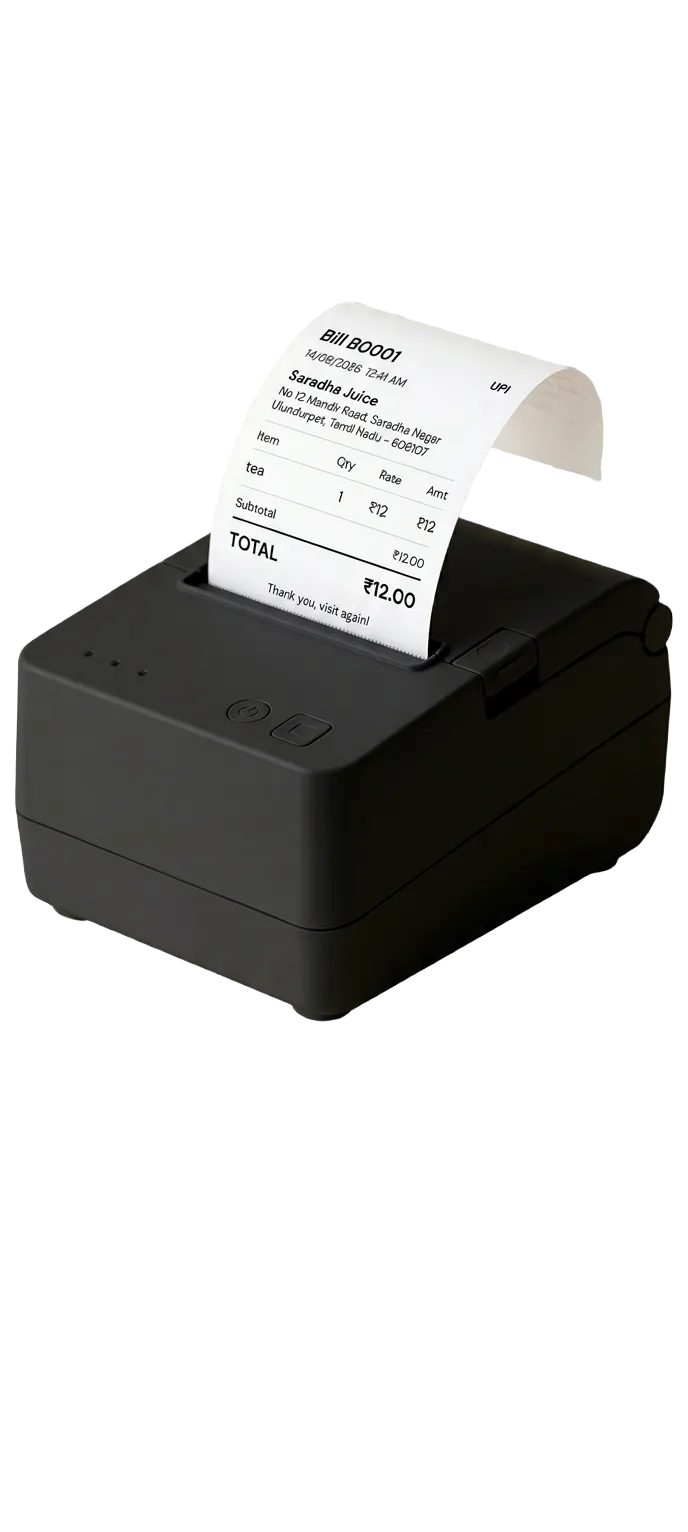
BillQ works with any 58mm ESC/POS Bluetooth thermal printer. We recommend the BillQ Bundle Printer (₹2,799 with software) as it's been tested by our team. You can also buy a compatible printer from Amazon for as low as ₹1,499.
What happens after the 7-day free trial?
▾
After 7 days, you choose a plan to continue. No card is charged automatically. All your data — bills, menu, reports — stays safe. We'll remind you before your trial ends.
Can I use BillQ across multiple devices or locations?
▾
Yes — your BillQ account syncs across devices. You can use it on your main billing phone and still access all reports and bill history from another device.
Is there an iOS version?
▾
BillQ is currently Android only. iOS version is in our roadmap. Most stall owners and canteen operators in India use Android phones, so we built Android first to deliver the best experience.
Can BillQ replace my traditional billing machine?
▾
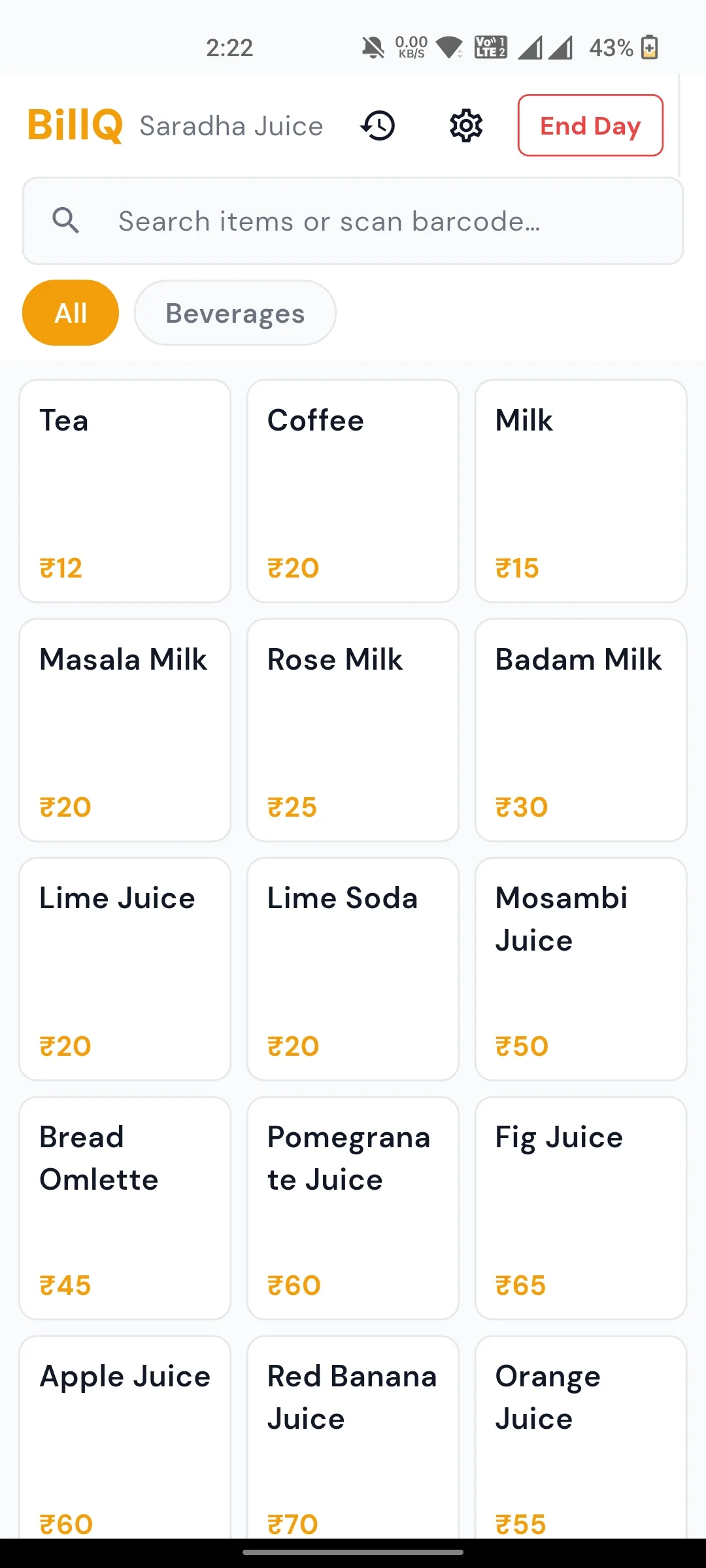
Yes — BillQ is designed as a full Android replacement for traditional billing machines. Pair it with a 58mm Bluetooth thermal printer (available from ₹1,499 on Amazon) and you get the same printed receipts with added benefits: digital reports, offline sync, GST filing, and WhatsApp bill sharing. No annual maintenance contracts, no expensive hardware.
Is BillQ suitable for tea stalls and canteens in Tamil Nadu?
▾
Absolutely. BillQ is used by hundreds of tea stall, canteen, and food stall owners across Tamil Nadu, Karnataka, and Maharashtra. The app works in all Indian states and supports both Composition and Regular GST schemes used by small food businesses. The interface is in English and works on any budget Android phone.
How do I set up a 58mm Bluetooth thermal printer with BillQ?
▾
It takes under 2 minutes. Switch on your 58mm ESC/POS Bluetooth printer → pair it with your Android phone via Bluetooth settings → open BillQ → go to Settings → Printer → select your printer. Done. BillQ auto-detects and configures the printer. Works with any 58mm ESC/POS thermal printer, including popular models from Amazon priced from ₹1,499.
Is there a free GST billing app for small shops in India?
▾
BillQ offers a full-featured 7-day free trial with no credit card required — so you can try everything before paying. After the trial, plans start at ₹399/month (roughly ₹13/day), making it one of the most affordable offline GST billing apps for small shops, canteens, and stalls in India.